Thursday, November 17, 2022

Flowers From Late Summer/Early Fall

I have two half whiskey barrels with Hibiscus, Hawaiian Ti, Creeping Jenny, Purple Heart


Tropicana Rose Bush 
These roses are so fragrant and beautiful! 


Saturday, January 5, 2019

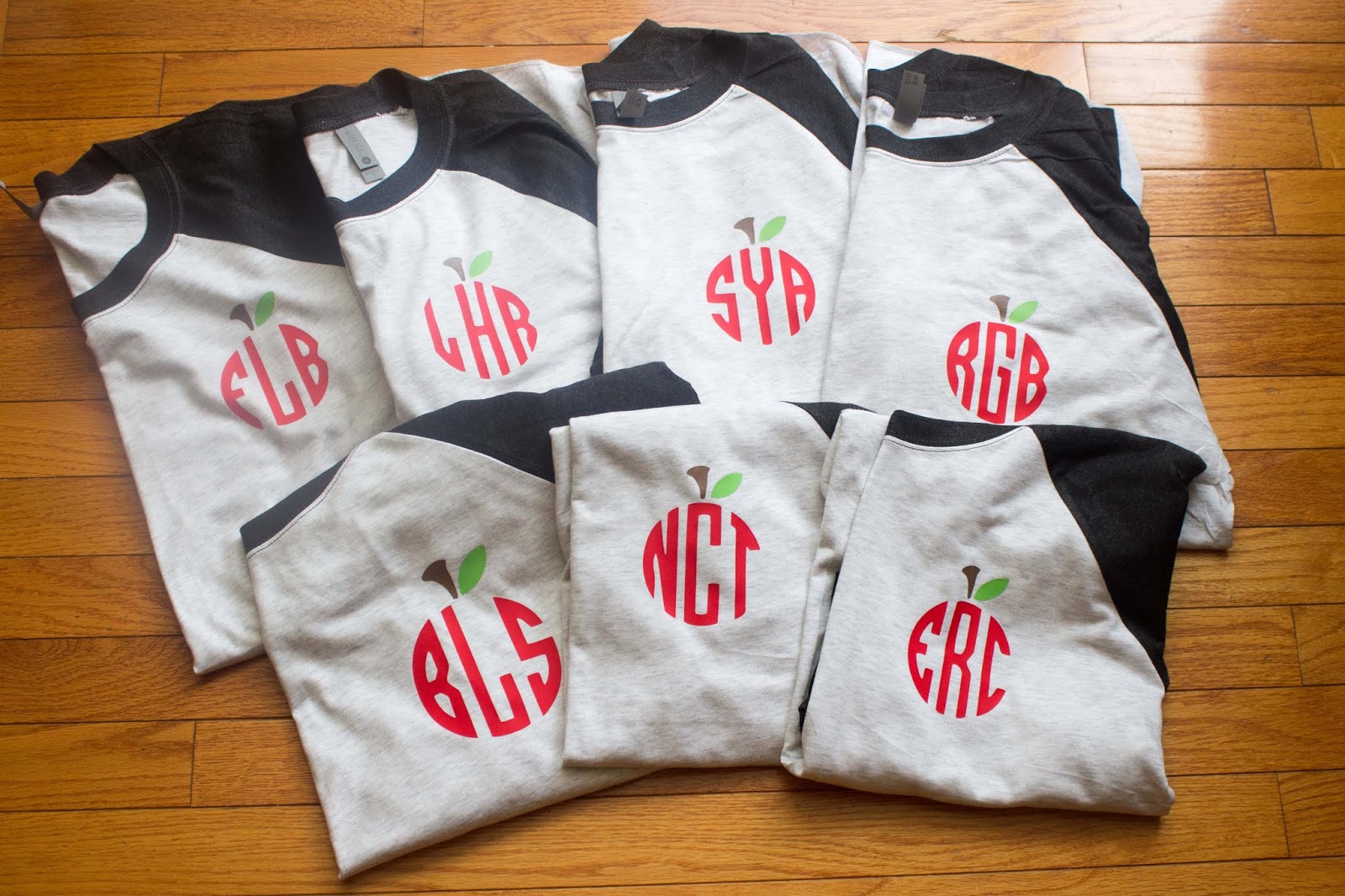
I am a 1st grade teacher.  I love making new shirts using my Cricut.  All of the shirts were made with heat transfer vinyl using a heat press (highly recommended).  I also recommend turning your shirts inside out to wash and hanging them to dry so the vinyl won't age/crack too soon.  More than likely, your vinyl will eventually crack or it can come off if you put the shirts in the dryer.  I refresh my shirts quickly in the dryer if they are really wrinkled.  I also recommend making sure shirts that are layered are sliced first so there won't be so many layers on top of one another.  


Aqua blue shirt from Bella+ Canvas & svg file from Etsy


What a beautiful color this mint green Bella + Canvas shirt was!


This shirt turned out beautiful.  The sparkly blue Siser HTV is my favorite.  I got this from Craft Vinyl.  You must read the rules if you are going to buy from here.  I bought the mint green htv from Michaels, and ordered the black htv from Amazon.


These Next Level shirts are so soft and comfy.  I ordered them from www.jiffyshirts.com.  


Christmas Shirts Made With My Cricut Explore

I have owned the very first Cricut and have now owned my Cricut Explore since it first came out.  I have had lots of practice creating things, and have watched many videos on YouTube to help me learn more.  I love creating things with my Cricut.  I also own a heat press.  I highly recommend a heat press if you are going to be making lots of shirts.  It is worth the price.  

I get my svg files from many different places.  Some of my favorite places are:  Scout and Rose, Poplar and Pearl, Lovesvg (lots of freebies), Apex Cuttables (freebie almost daily), Burton Avenue, and Etsy. 

Here are just a few of my Christmas creations I've made over the years.  

My sweet boy loves the Ninja Turtles & Chick-fil-The red shirt was from Walmart.  I designed this one.
 Believe Santa Shirt
This white shirt was a Haynes shirt from Walmart (mens section).  
 I'm loving this joyful shirt.  This shirt was a Fruit of the Loom (mens section) from Walmart. 
I designed this one.
 This shirt is from a few years ago.  The deer is silver glitter, and the shirt was a long sleeve navy men's shirt from Walmart.
 Christmas Tree Monogram shirt  
The red shirt was from Walmart.  The vinyl is lime green, vegas gold, and silver glitter.
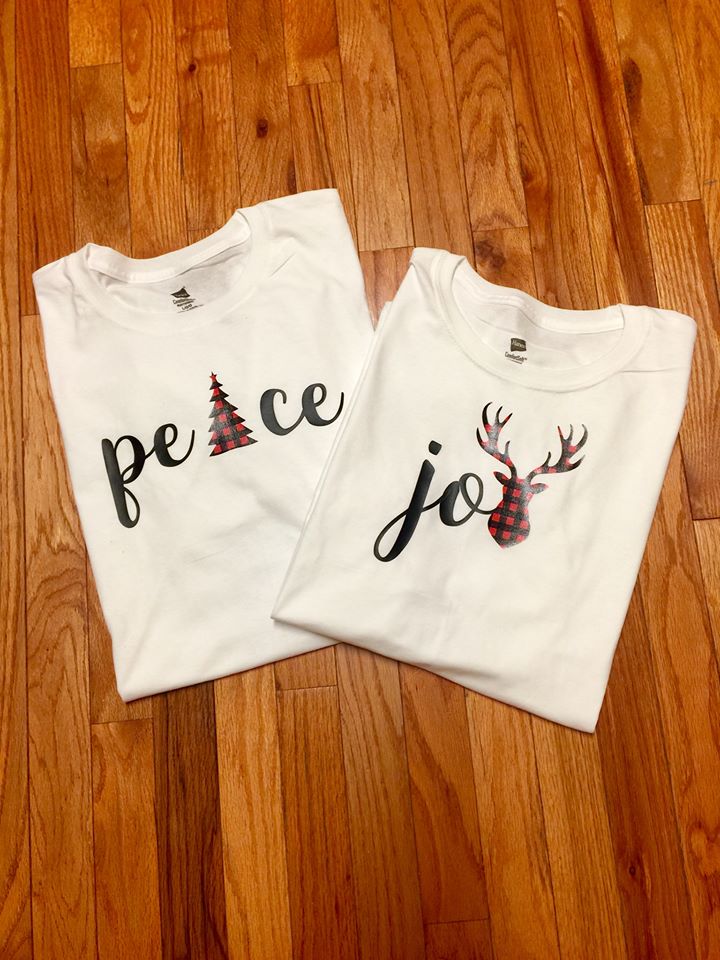
 Peace and Joy with Buffalo Plaid Print & black HTV
I designed these.  
 Simple, yet one of my favorites.
merry. on a navy Gildan short sleeve tee
I designed this one.
 Dachshund Through the Snow
men's grey long sleeve shirt
The svg file was from Etsy.

 My little ones looked so cute in this Santa shirt.  The svg file was from Apex Cuttable Designs.
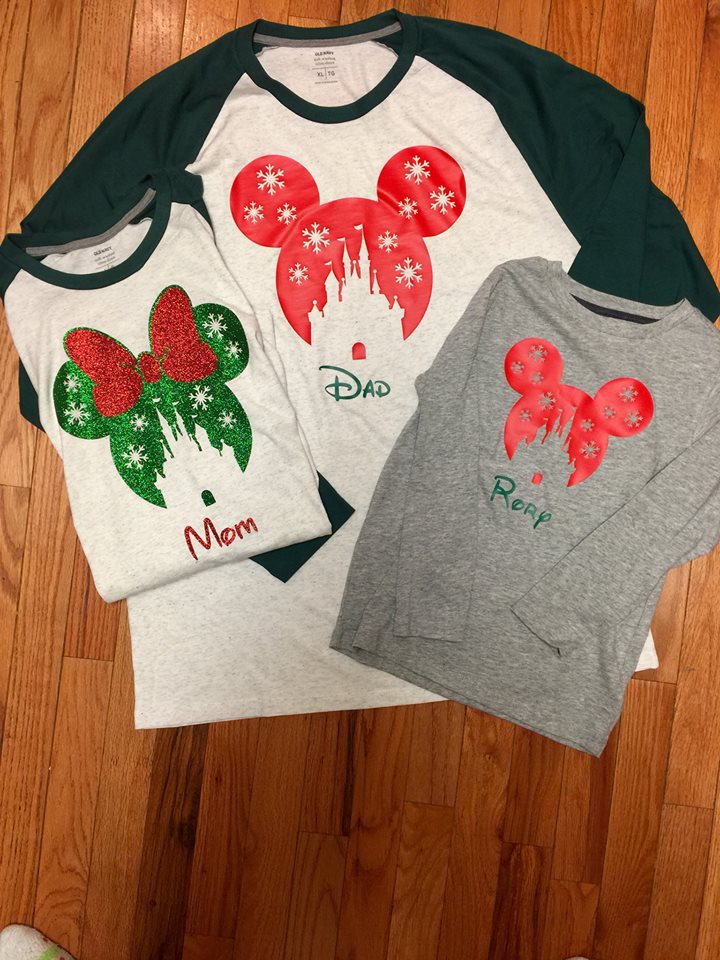
 Such Sweet Disney Shirts
The file was from Etsy, and I added the names.
 Feliz Navidad....with a taco Christmas dinner
I created this design.
 I loved wearing this to school teaching my littles.

 Sparkle All the Way (pale blue shirt with white glitter htv)
 Daughter of the KING
I designed this one.
Believe 
I designed this one.

Tuesday, June 26, 2018

Religious T-shirts

Each of these t-shirts were made with my Cricut machine.  I used files from the previous website Poplar and Pearl.  They are no longer in business.  I also uploaded some SVG files from Scout and Rose.  I used Siser Easyweed heat transfer vinyl, and they were pressed with a commercial grade heat press.  


Monday, June 30, 2014

Circuit explore t-shirt creations

So I received a Cricut Explore for Mother's Day from little man and the husband. I also have one of the very first Cricut machines and owned a Sizzix machine way back when.  I will say they have come a long way.  With the Explore I was able to electronically link all of my cartridges. You can connect to the website anywhere to work on your projects. All you do is connect your Cricut with the USB cable provided.  There are also settings for the depth of the blade that are much simpler than changing the dial position.  Set the dial to paper, vinyl, card stock, fabric, etc. It is pretty simple. We have a subscription to Circuit Design Space. It is well worth the money if you are going to use your Cricut often. So here are some shirts I've created so far.
The shirt above was a shirt I made for a friend's daughter, and the one below is the shirt I made for my friend. Everything from the shirt above was from Cricut Design Space. I actually found a monogram font for my friend's shirt. I bought both shirts at Hobby Lobby for about $3-$4.  The heat transfer vinyls above we're bought online while the black, sparkly heat transfer below can be bought at any craft store that sells Cricut. just make sure it is heat transfer and not just vinyl.  It was pricy though, and no coupons can be used on Cricut products. I think it's around $17.  FYI:  Heat it for a good, long while with the iron. I always put a towel underneath the shirt, a kitchen towel in between the shirt, and a pillowcase on top of the vinyl. also, read the directions carefully, and don't forget to check reverse image before you cut. 


The shirt below was a shirt for my friend's son. 


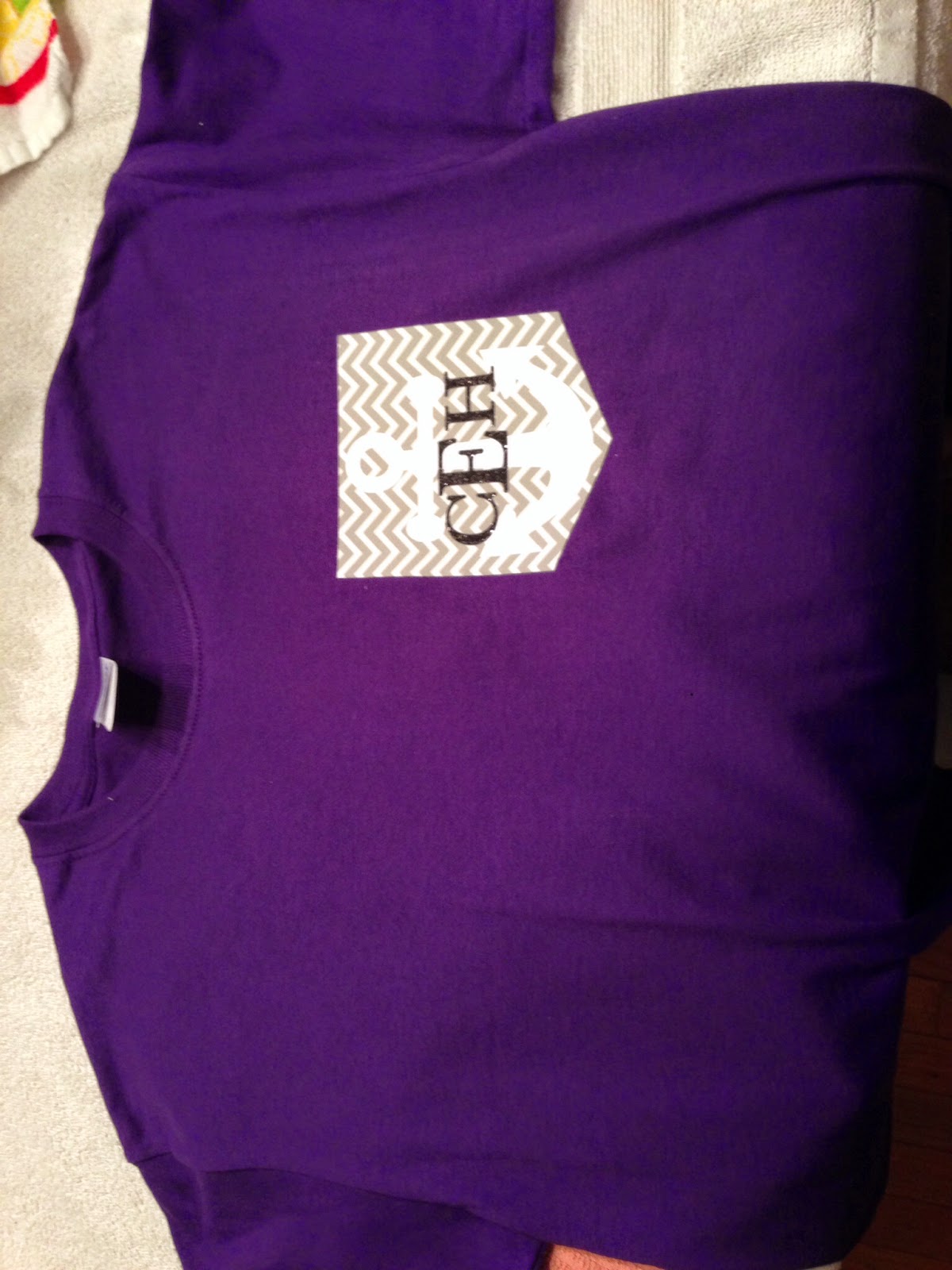
The shirts below were created using a pocket template (online), an anchor (online search), and a font from Design Space. I bought the chevron iron on fabric from Hobby Lobby as well as the white vinyl and the shirts. 


Wednesday, June 19, 2013

New baby

Wow, it has been a long time since I posted. I found out I was pregnant after my last blog. Since then I've had a beautiful baby boy. It's sometimes hard to post with a new baby.

Thursday, July 5, 2012

Red, White, and Blue felt flag

Patriotic Flag Wreath 


I made this using the instructions from Capital B's blog but I changed a few things. http://ssbuffat.blogspot.com/2010_06_01_archive.html

I used:
*plumbing foam tube
*6 red sheets of felt
*6 white sheets of felt 
*4 blue sheets of felt
*scissors
*3 boxes of 100 pearl head pins (sewing section of Walmart)
*Sharpie, Highlighter, pencil, or pen (to curl wire)
*jewelry wire (silver)

Step 1:  Create the wreath form by using plumbing foam tubing. 
I bought a plumbing foam tube @ Lowe's for less than $2.00.   Cut the tubing in half.  You'll have enough for two separate wreaths.  If you want your wreath to be 18" or 24", you can measure the tubing before cutting.  I measured out 24" for mine and still had enough for a for two wreaths.  Remove the vellum and carefully stick the piping together.  Then, Duct tape the ends together.  

Step 2:  Cut the Felt 
I found the felt sheets in the stationary/kid's craft section @ Walmart.  They were only about $0.23 per sheet.  If you can't find the sheets you can always use fabric from the bolt.  I couldn't find blue felt sheets so I bought a half yard on the bolt @ Walmart.  You'll only need about 1/4 a yard of the blue.


Cut the felt into 2" X 2" squares.  This takes quite a bit of time.  This is the most time consuming part.  You may want to put on some music or the television to complete this part.  


Step 3:  Folding and pinning the squares onto the wreath
Fold each square in half (diagonal/triangular) and then in half again (diagonal/triangular).  You can refer to the website above if you need pictures.  Carefully hold the folded felt and pin it at the end.  Connect four corners (of folded felt) together creating a "flower" with your felt.  I made about two/three rows of each color.  You can fill in as you see a need.  I covered my pearl pinheads by tucking another piece of folded felt into a nook over top of the pins.  I like the pearl head pins because if you do see them, they are pretty.  Colored pin heads don't look as great.  
Create the colors above by repeating this pattern until you have your desired amount of coverage.  I took leftover colors and folded them into crevices.  


Step 4:  Curl wire on a Sharpie, highlighter, pen, or pencil
Once the wire is your desired length, stick it into the blue part of the wreath and adhere a white star to the middle of the wire.  I printed off a star template and used it to trace and cut out tag board stars.